BarberCo
barberco-web
The public-facing booking experience
barberco-web is the customer-facing booking site. It's built with Next.js (App Router), React 19 and TypeScript, styled with Tailwind CSS, and leans on Server Actions with useActionState to keep the booking flow on the server without a sprawling client bundle.
Pages are statically rendered where possible for speed and SEO, while the interactive booking and confirmation steps run through type-safe Server Actions that talk to BarberCo.Api.
- Next.js
- React 19
- TypeScript
- Tailwind
- Server Actions
Live site
Visit the deployed app in your browser.
Features
A content-first storefront
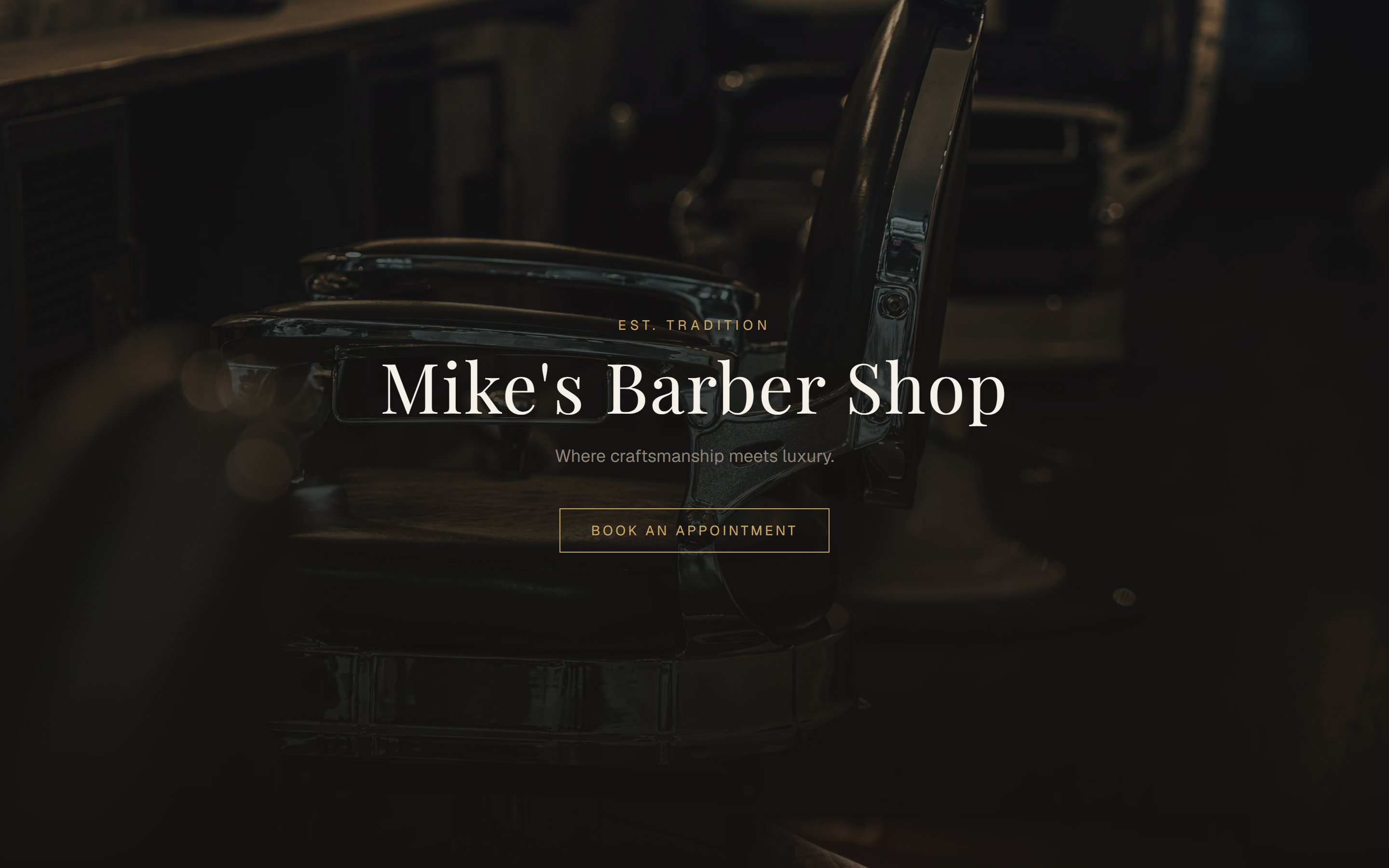
The public site is a Next.js (App Router) storefront with a dark, editorial feel. Marketing and content pages are statically generated for fast loads and clean SEO, and the whole landing experience funnels visitors toward a single, unambiguous call to action: Book an Appointment.
From there the customer drops into a focused, three-step booking flow — choose, verify, done.
Step 1 — Choose services & time
The entire booking lives on one calm, single-purpose page. The customer enters their name and phone, picks a date, and selects from multi-select service tiles that show live pricing. The time dropdown is smart — it only offers slots that fall within the shop's configured opening hours for the chosen day, so customers can't request a time the shop isn't open.
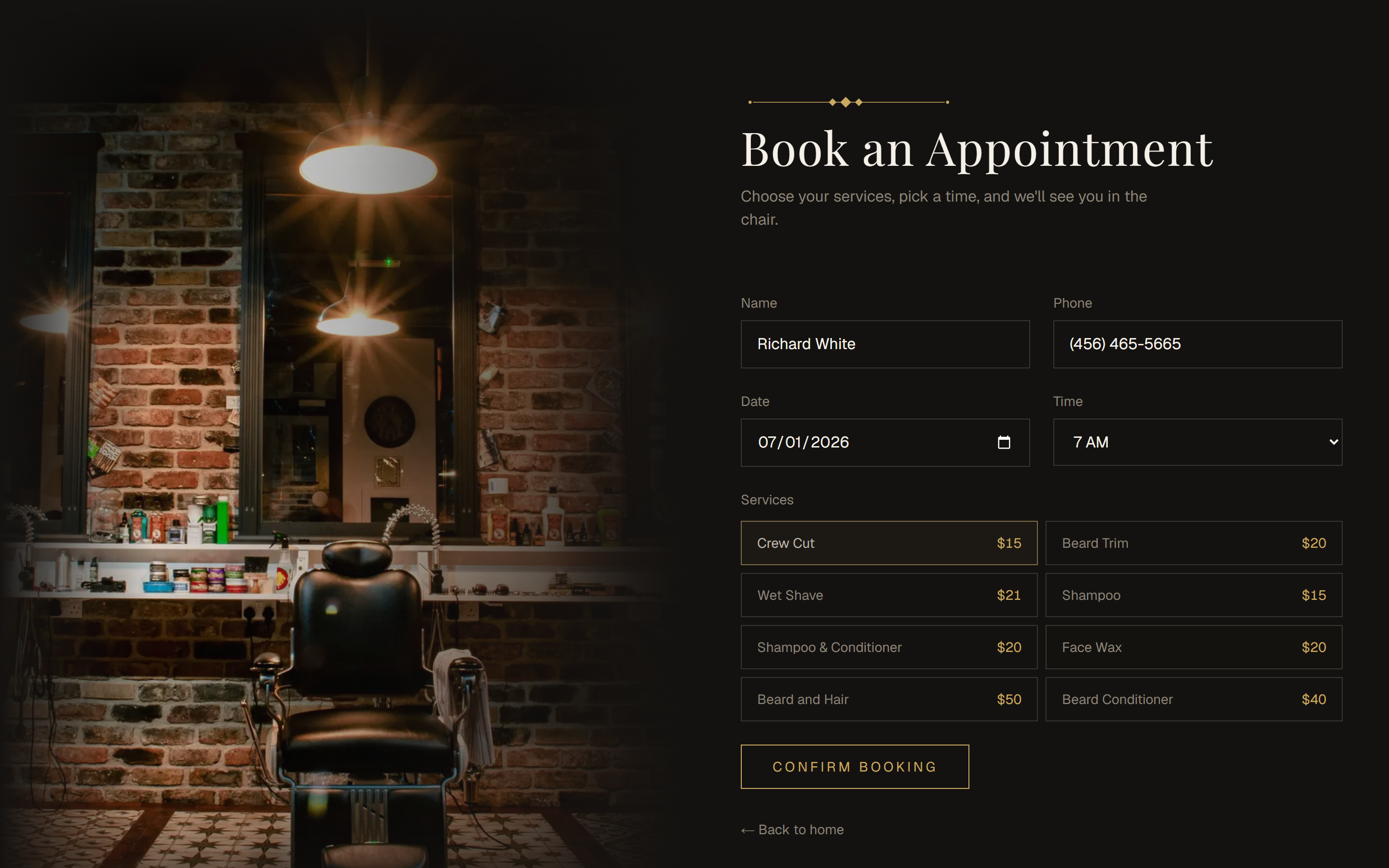
Inputs guide the customer as they go — the phone field auto-formats to (123) 456-7890, for example — and the real validation runs on the server when the form is submitted, so nothing malformed ever reaches the API.
Step 2 — Verify by SMS
Before a booking is finalized, the customer confirms ownership of their phone number with a 6-digit code. This second step keeps the shop's calendar clean — no fake or fat-fingered reservations slip through.
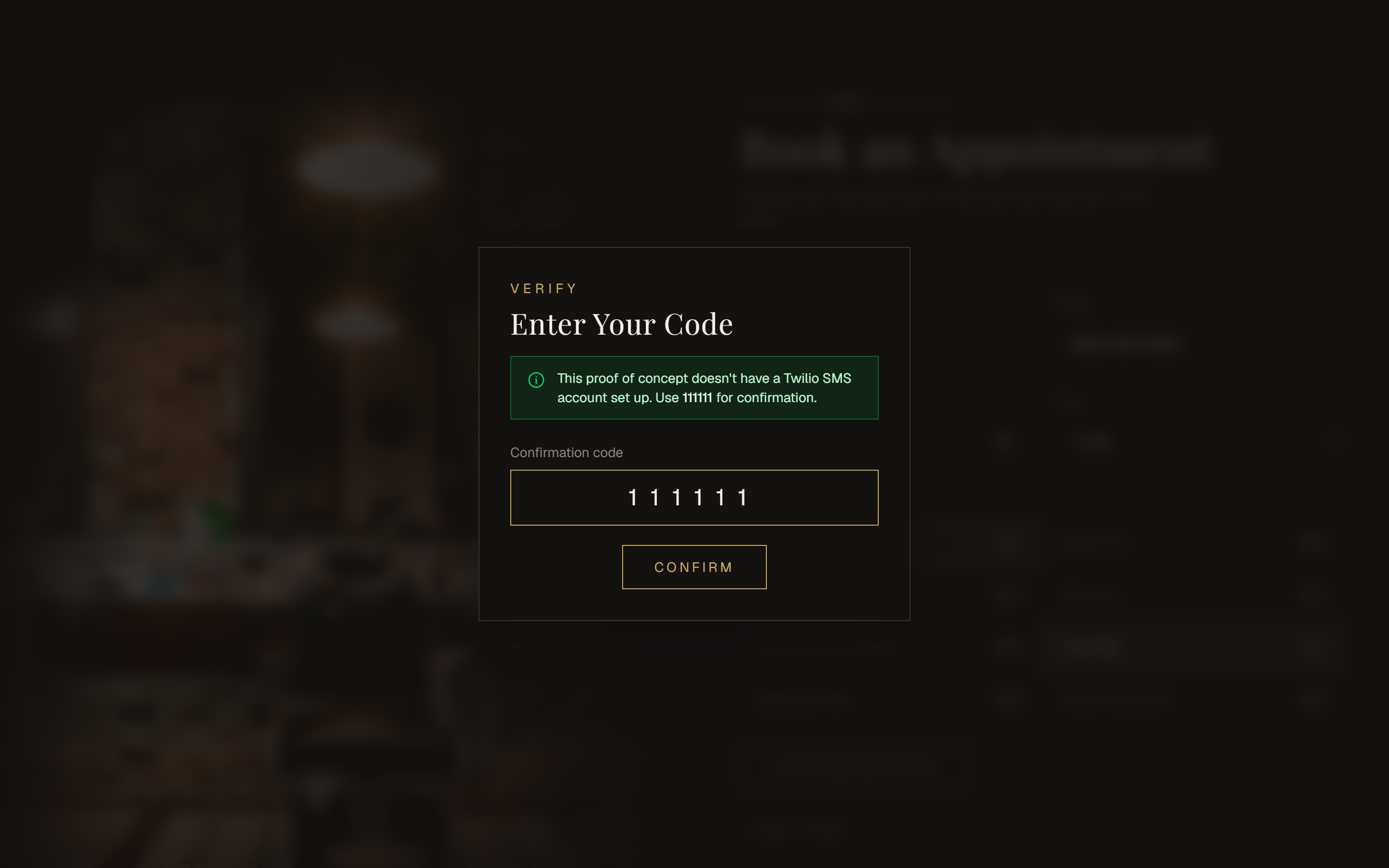
Since this is a portfolio demo without a live Twilio number, the modal is upfront about it and tells visitors to enter 111111 — the same magic code the API accepts — so anyone can walk the full booking flow end to end on the live site.
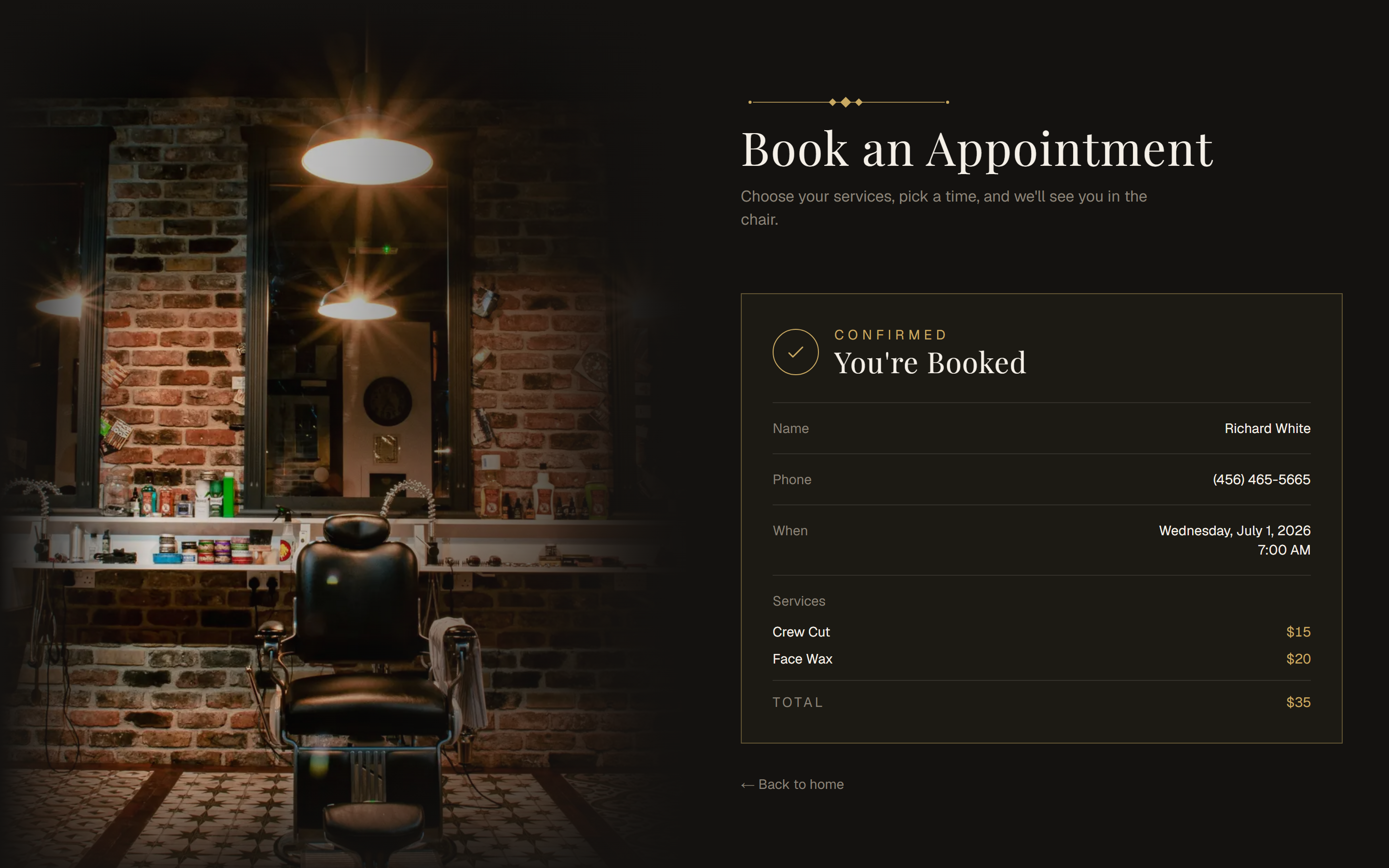
Step 3 — Booked & summarized
On success the page swaps to a clean confirmation: a tidy summary of who, when, the selected services, and a computed total — rendered instantly from the confirmed appointment the API returns. No email round-trip, no reload.
How the front end is built
The flow is intentionally thin on the client. The forms post to type-safe Server Actions (using React 19's useActionState for free pending and error states), so validation and the actual API calls run on the server — which keeps the client bundle small and keeps the API key off the browser entirely. The heavy lifting (availability rules, confirmation-code hashing, persistence) all lives behind the API.
- Next.js (App Router) with static generation for content pages
- React 19 Server Actions + useActionState for the booking flow
- TypeScript and Tailwind CSS throughout
- Server-side API key — never shipped to the browser